
THE AI STUDIO FOR SHORT-FORM TEAMS

One video.
A week of content.

Works with
Private import · nothing is published without your approval

Upload a file, paste a video link, pull clips from Twitch creators or connect your Kick channel. ClipCentral prepares vertical formats, publishes to Facebook and brings conversations into one studio.

Up to 100 welcome credits, granted once to eligible accounts · MCP compatible · no card required

CLIPCENTRAL / DemoANALYSIS COMPLETE · 03 CLIPS
SOURCE VIDEO01:42:18
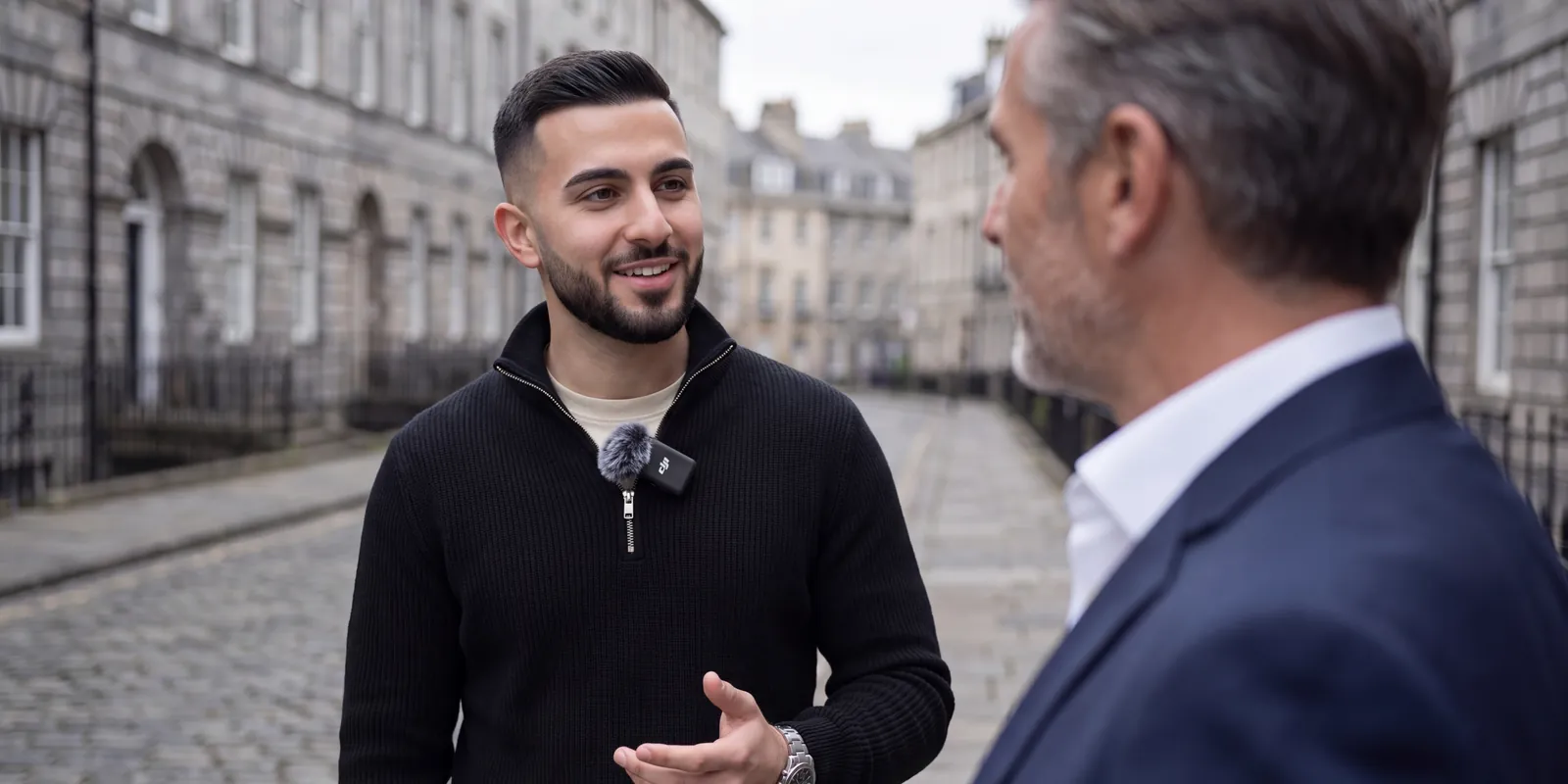
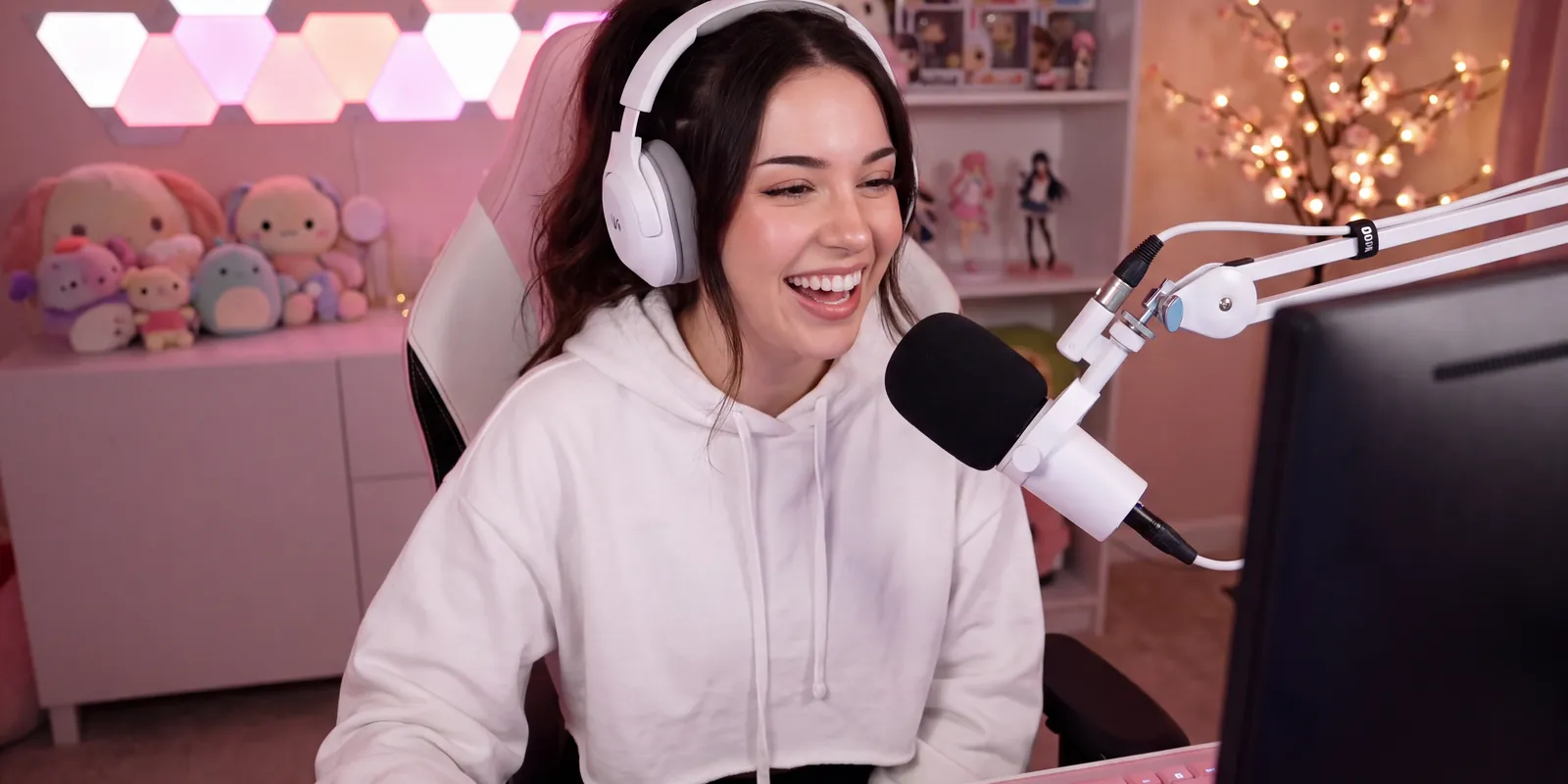
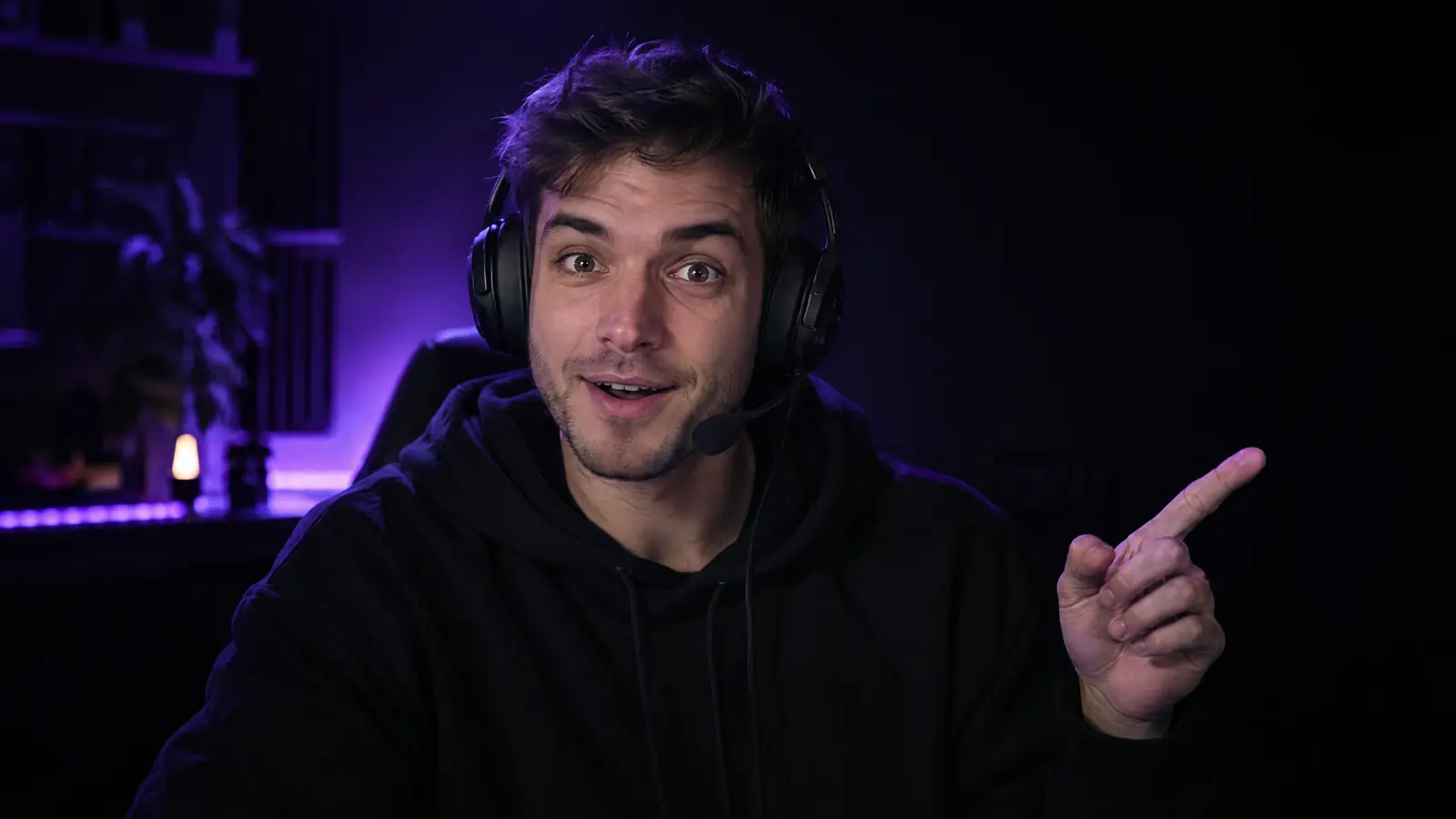
IMPORTED SOURCE“wait, look what’s coming…”
TRANSCRIPT EN3 HIGHLIGHTS DETECTED
CLIPS READY9:16 · HD
91
94
00:24QUALITY SCORE 96
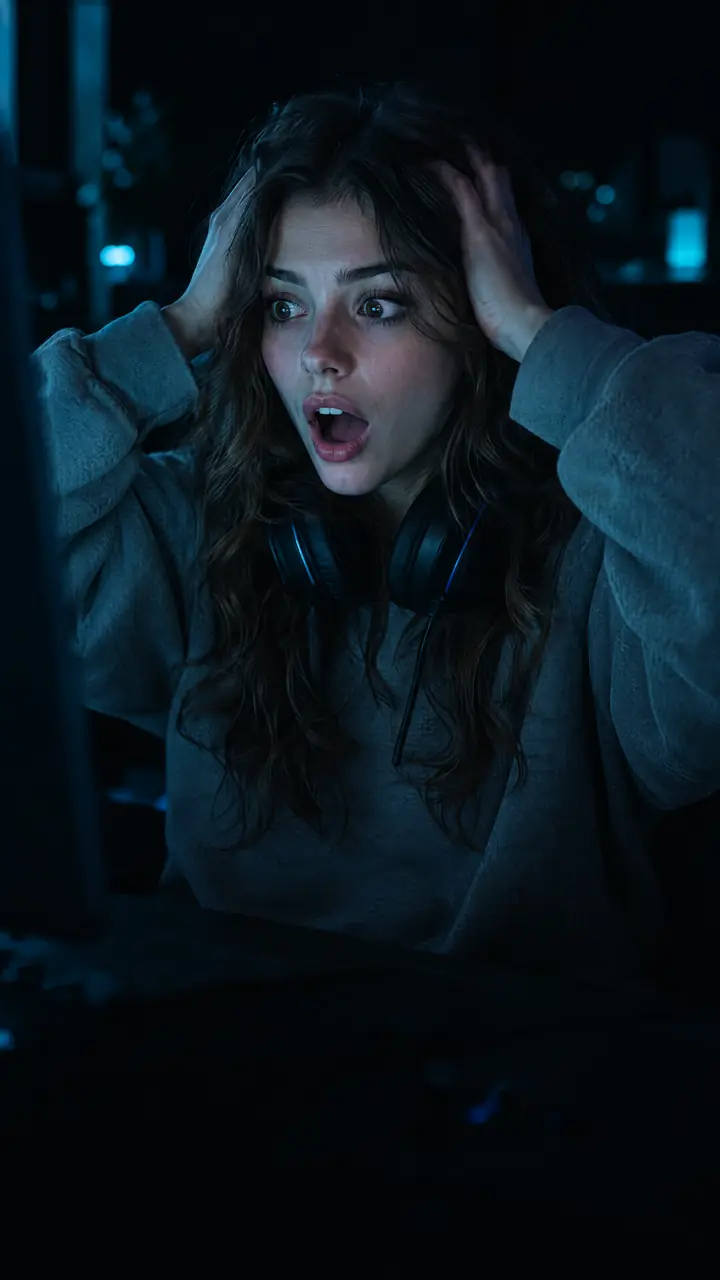
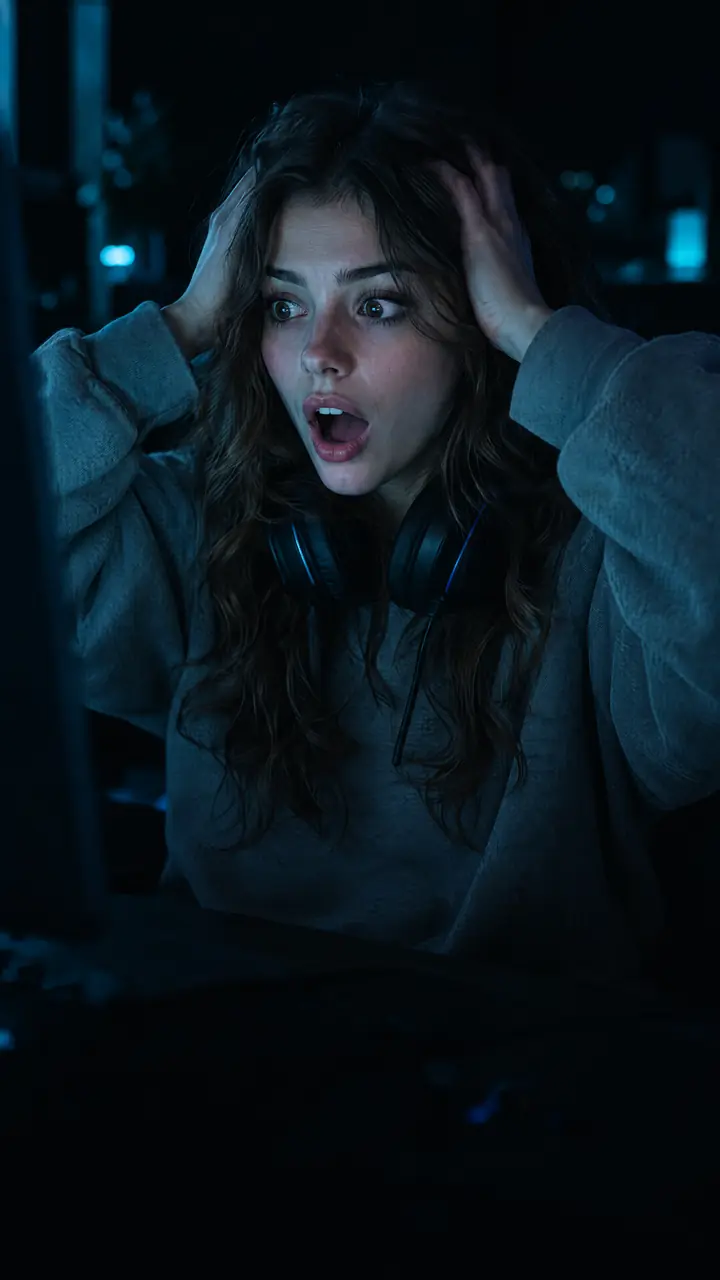
NOBODYWAS READY.
TIKTOKAUTO CAPTIONS
ADAPTED TITLES EXPORTS READY

Many ways in. One studio.

ImportFILEYOUTUBETWITCHKICKTIKTOKINSTAGRAMFACEBOOKX
PrepareREELSTIKTOKSHORTSX
ManageFACEBOOKINSTAGRAMKICK LIVE

A SINGLE CONTROL ROOM

Everything between the highlight and the post.

Not a collection of AI tools. A complete editorial workflow that knows where each clip goes next.

01 / DETECTION

AI finds the moments. Your team keeps the judgment.

Energy, context, reaction and target format fit come together in one readable score — with the reason behind every pick.

Demo
BEST MATCH96/100
Hook94
Reaction98
Context88
Target fit97

Energy spike + clear reaction + full payoff.
02 / CAPTIONS

Captions that belong to your brand.

Transcription, word-by-word correction, accent color and vertical rendering in the same space.

I THOUGHT ITWAS OVER.
00:08.4 WORD SYNC
03 / DISTRIBUTION

Every platform gets the right version.

Publish to Facebook and upload videos to a connected YouTube channel. Prepare exports for Instagram Reels, TikTok, and X.

Facebook9:16DIRECT
Instagram Reels9:16READY TO EXPORT
TikTok9:16READY TO EXPORT
YouTube Shorts9:16UPLOAD
XORIGINALREADY TO EXPORT
04 / CONVERSATIONS

Facebook and Instagram comments, finally together.

Find Facebook and Instagram comments in the studio, without your brand’s own messages or empty entries. On Facebook, conversations without a reply come first.

Brand messages and empty entries excluded Editable drafts before any public reply
3 REPLY EXAMPLESChoose a comment to see the response
4 CREDITS / DRAFT

BEFORE / AFTER

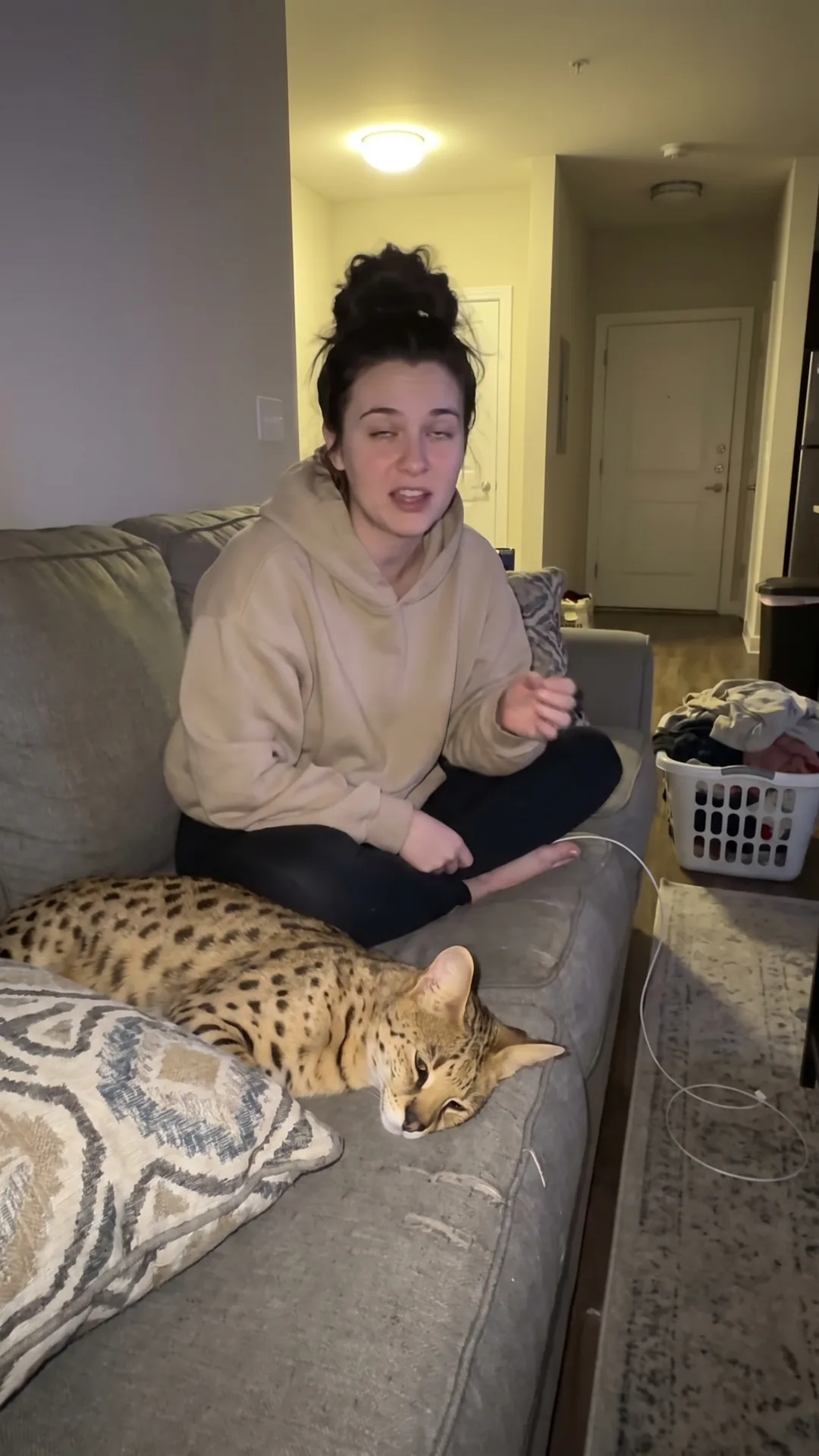
The platform grabs a frame.
ClipCentral picks the moment.

Without a cover, Facebook and TikTok show a random image: eyes closed, cat asleep, laundry basket in the shot. ClipCentral keeps the real highlight, cleans up the scene and places the hook, in 4K.

Before
Frame picked by the platform
After · 4K
ClipCentral cover: the creator on the couch with her Savannah F1 standing beside her

My cat is50% serval 😱

One delivered thumbnail, with optional variants

AI-generated demo example with an original character.

Give your next video a cover worth clicking.

Turn a frame from your video into a thumbnail with a clear visual hook.

Create my thumbnail

Create your free workspace to get started.

FROM SOURCE TO SOCIAL

Three decisions.
The rest is already done.

  1. 01

    Import

    Drop a file, paste a YouTube, TikTok, Instagram, Facebook, X, Twitch or Kick video link, pull Twitch clips or connect your Kick channel.

    FILE · LINK · CREATORS
  2. 02

    Select

    Compare detected moments, adjust the cut and let AI prepare the copy and captions.

    SCORE · HOOK · COPY
  3. 03

    Publish

    Publish to Facebook, upload videos to YouTube, prepare the other platforms, and handle the Facebook or Instagram comments that matter.

    PUBLISH · MEASURE · MODERATE

ONE SOURCE. CLIPS TO SCHEDULE.

Clipping becomes a complete cycle.

File or YouTube, TikTok, Instagram, Facebook, X, Twitch or Kick link: import, finishing, publishing, measurement and conversations live in the same system.

Demo

TWITCH + KICK CONNECTED

Your creators and live streams. Already connected.

Import public Twitch clips for 8 credits per clip. On Kick, track live status, update title and chat; import clips and VODs using their public links.

CC CLIPCENTRAL LIVEKICK LIVECREATORCREATOR_01
24 H30 DMIN. VIEWS
3 SELECTED · 46 AVAILABLESELECT ALL
00:1413,992 VIEWS
An unexpected meetingCLIPPED · 12 D AGO
00:249,678 VIEWS
Nobody was readyCLIPPED · 14 D AGO
00:197,183 VIEWS
The perfect reactionCLIPPED · 16 D AGO
00:305,504 VIEWS
Wait for the endCLIPPED · 18 D AGO

ClipCentral connected to your agents. Every tool your clips need.

In Claude and ChatGPT, your agent can import, prepare, finish and publish clips with ClipCentral tools. Every action stays visible, while sensitive permissions remain under your control.

Connection flow illustration
  1. Choose your agent

    ClaudeChatGPT

    Add ClipCentral in your assistant’s connection settings.

  2. Add the connector

    Name
    ClipCentral
    MCP server address
    https://www.clipcentral.ai/mcp
  3. Authorize access

    Your permissions, your choice

    Sign in to ClipCentral and review the requested permissions before continuing.

Connect ClipCentral to Claude or ChatGPT.

ClipCentral is not listed in the connector catalog. Add it as a custom MCP connector using its server address.

ClaudeCustomize → Connectors → + → Add a custom connector. On a team plan, adding it may require an owner. Official Claude guide

ChatGPTEnable Developer mode in Settings → Security and login, then add an MCP connection from Plugins (+), if your account allows it. Official ChatGPT guide

Name it ClipCentral, paste the address below, then authorize access to your workspace.

MCP server addresshttps://www.clipcentral.ai/mcp

BILLING EXAMPLES

Verifiable costs before processing starts.

Analysis rounds up to each started minute. Final delivery through the connected cloud MCP is included at 0 credits.

59 sec8credits
analysis or transcription
61 sec16credits
two started minutes
Studio8credits
final delivery in the Studio
Cloud MCP0credits
final delivery through connected cloud MCP

ClipCentral API v2

Your workflow. The ClipCentral engine.

Import videos, prepare clips and retrieve exports from your own tools. Connect your application to a ClipCentral workspace with the permissions it needs.

Read the API documentationExplore the operations
Your application's first readGET
curl \
  "https://www.clipcentral.ai/api/integrations/v2/clips?limit=5" \
  -H "Authorization: Bearer $CLIPCENTRAL_TOKEN"

Get the token by connecting your workspace through OAuth. The guide walks through every step.

  1. Import a source
  2. Prepare the clips
  3. Retrieve exports
OAuth + PKCEOpenAPI 3.1Job tracking

BUILT FOR THE REAL WORK

Fewer tabs.
More clips published.

ClipCentral connects the steps that usually get lost between a drive, an editor, a captions doc and a calendar.

Open my studio
  • Continuous workflow

    Every clip shows its next action, from draft to results.

  • Human control

    AI proposes and explains. Your team decides what represents the brand.

  • Data under control

    Your videos and settings in one workspace, with access you authorize.

FREQUENT QUESTIONS

Before your first clip.

What videos can I import? +

Video files and compatible public video links from YouTube, TikTok, Instagram, Facebook, X, Twitch or Kick. You can pull public Twitch clips and connect Kick for live controls. Import Kick clips and VODs using their public links.

Does ClipCentral publish directly? +

ClipCentral publishes to a connected Facebook Page and uploads videos to a connected YouTube channel after your confirmation. On YouTube, visibility and scheduling depend on the available permissions. For Instagram Reels, TikTok, and X, it prepares the video, copy, and formats for export. Facebook and Instagram comments are managed in the studio.

Does AI replace the editor? +

No. It speeds up detection, transcription and preparation. The final cut and validation stay in your hands.

How do credits work? +

Analysis or transcription costs 8 credits per started minute. A Twitch import costs 8 credits per clip. Caption polish, final Studio delivery, a local MCP final format, audio review up to 30 seconds, or automatic cover selection costs 8 credits. An AI comment draft costs 4 credits. An AI thumbnail costs 24 credits, then 12 per optional variant. Final delivery through the connected cloud MCP, manual editing, manual covers, previews, and the editorial kit are included. The credit grid and confirmation screens state the applicable costs; eligible paid processing is refunded if it fails.

How do I connect ClipCentral to my AI assistant? +

In Claude or ChatGPT, add a custom MCP connector or app: name it ClipCentral and enter https://www.clipcentral.ai/mcp. Do not search for ClipCentral in the catalog. Then connect your ClipCentral workspace. Public actions require human confirmation.

How do I integrate ClipCentral with my own tools? +

The HTTP v2 API lets your application import sources, prepare clips and track processing with OAuth access to a workspace. The MCP connector makes tools available to an AI agent. The API documentation covers permissions, credits and the limits of each operation. Read the API documentation

YOUR NEXT VIDEO IS ALREADY CONTENT

Turn it into clips
while it’s still hot.

Create your workspace, import a video and let ClipCentral prepare the rest.

Create my workspace for free